
Let’s Face It: Sharing Large Files Is A Nightmare
You go to the latest file sharing site, sort through a bajillion ads, then wait… wait… wait for your file to upload.
Meanwhile, whoever gets your file has to sort through those same ads, wait 30 seconds, and FINALLY get what you sent them.
And that’s only for ONE file. Can you imagine trying to share a folder full of pictures?
Most services that don’t need all that cost money. Not StoAmigo.
On App Store and Google Play

Skip The Frustration
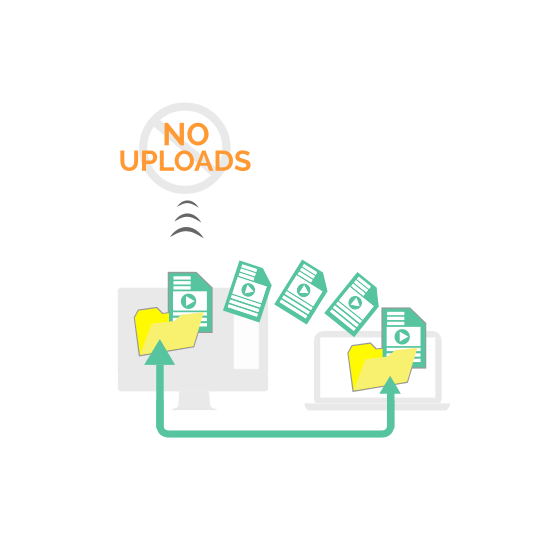
No ads. No uploads. You don’t even have to type in a URL.
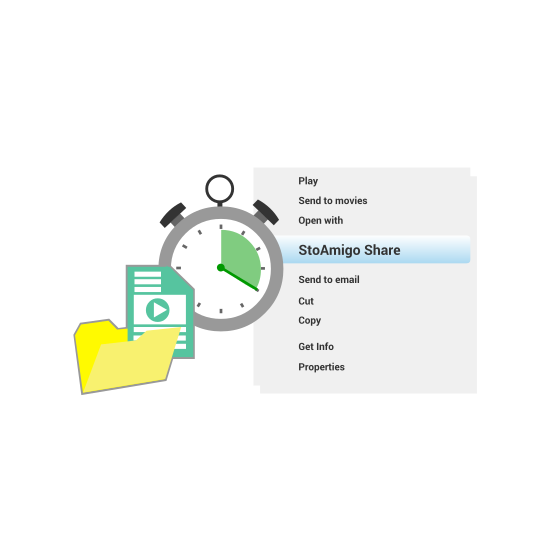
Just right-click a file on your computer and select “StoAmigo Share.” Any file, no matter what format or size. Documents, photos, MP3s, videos. Anything.
StoAmigo immediately generates a link which can be shared through e-mail, messenger, social media… or any other way you could think of. And the person at the other end doesn’t have to jump through hoops to get what you send them. They just click.
Frequently Asked Questions
What else does StoAmigo do?
You get many different options when you share a file. Choose whether that file is downloadable or not. Decide how long the link you send stays active. Ensure ONLY your intended recipient sees it with Private Sharing.
Plus, you get notifications when people interact with the file you send – so you know exactly when they see that photo or watch that video.
Does the recipient need StoAmigo to view/download the file?
Nope. The ONLY time they will need a StoAmigo account is when you check “Private Share” when sharing the file. Otherwise, they just click and open.
How do I start right-click sharing?
Enter your e-mail into the field below to create an account. You’ll get an e-mail with a download link for your device. Click it, download it, install it. Put any file or folder you want to share in your new StoAmigo folder. Right-click any one of them and select “StoAmigo Share.” Happy sharing!