Finally, An Easy Way To Manage ALL Your Files (On Any Device)
No size limits. No uploading. Free forever.
Create A “Direct Link” Between Different Devices
Install StoAmigo on your Android phone. Install it on your computer.
Boom.
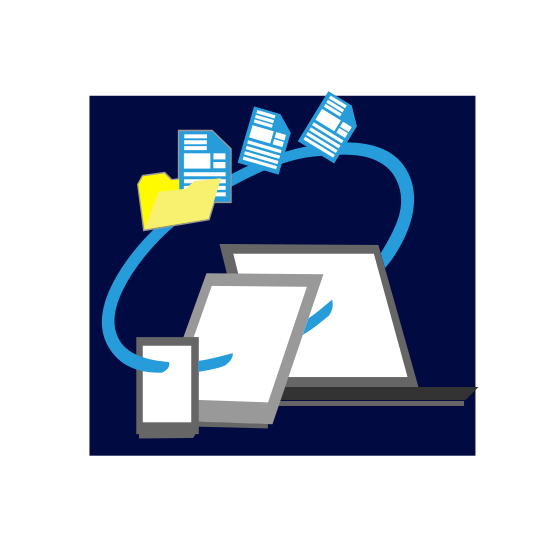
Every file on your computer is now available from your phone. Files on your phone are now available on your computer. This works between almost any two devices. Freely move and access files between them.
Photos. Videos. Documents.
Everything you can think of.
Manage every file you’ve ever created or downloaded – all from one simple interface.
On App Store and Google Play

One Less Step = A Whole Lot Easier
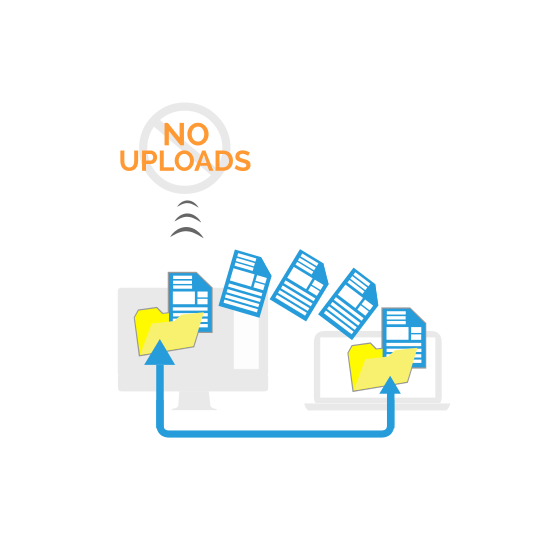
Cloud services work by forcing you to upload your stuff to their servers. The problem with that? Tiny file size limits. Sluggish upload times. And a complete lack of privacy.
StoAmigo cuts out this step.
So you get:
- Access to the storage of all your devices from one simple interface
- Zero upload times when you’re transferring or sharing files
- No size limits – whether its 10 MBs or 10 GBs, it works exactly the same
And no one spying on your files either.
“How Do I Get Started?”
Getting started with StoAmigo is easy (and free for as long as you want it).
Step 1:
Download and install the Android app below.
Step 2:
Follow the on-screen instructions to register and connect your phone.
Step 3:
Download and install the app for your other device at www.stoamigo.com. Available for desktop, Android, and iOS.
And you’re done! You should now be able to access the files on those devices from www.stoamigo.com!