
Create A Link For Any File With A Few Taps
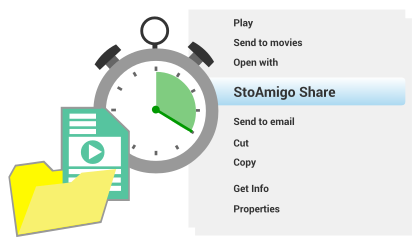
Tap a file or folder on your phone.
Select “Share.” Get a link. Send it to your friends via e-mail, messenger, or social media. Or use it to download the file onto another device.
Done. Complete. Finito.
It takes less than 5 seconds. No time wasted uploading files. No size limits. This is the simplest, quickest way to share files with your amigos… or just between your different devices.
On App Store and Google Play

Yes, Really: No Upload Times Or Size Limits
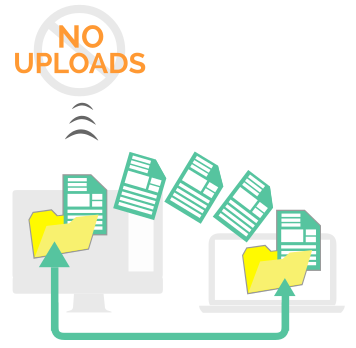
StoAmigo lets you send files directly to your recipients, without having to upload to a server. It basically “streams” from your phone.
This cuts out the middleman. Which means you don’t waste time uploading. It means you can send files (and folders) of any size. To anyone. On any device.
Because sharing files should be easy.
Frequently Asked Questions
What else does StoAmigo do?
You get many different options when you share a file. Choose whether that file is downloadable or not. Decide how long the link you send stays active. Ensure ONLY your intended recipient sees it with Private Sharing.
Plus, you get notifications when people interact with the file you send – so you know exactly when they see that photo or watch that video.
Does the recipient need StoAmigo to view/download the file?
Nope. The ONLY time they will need a StoAmigo account is when you check “Private Share” when sharing the file. Otherwise, they just click and open.
How do I start sharing?
Enter your e-mail into the field below to create an account. You’ll get a prompt to download the mobile app. Click it, download it, install it. Start it up, then tap a file and select “StoAmigo Share.” Happy sharing!