If you’ve had enough of playing “Hide and Seek” with your files…
Here’s the answer.
If You’re Anything Like Us, Your File Storage Is A Mess
Not all your pictures are in the “Photos” folder. Your videos aren’t neatly sorted by date and purpose. Let’s not even get started about your documents.
And… they’re not all stored on the same device!
You have some great vacation photos you took on your phone, some hilarious cat videos you put on an external hard drive, some spreadsheets on your laptop.
Here’s a way to not only organize all of that, but to manage it all from a single interface.
On App Store and Google Play

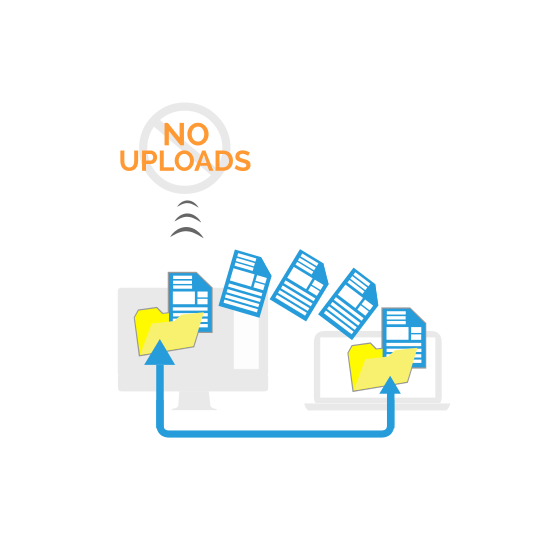
StoAmigo Creates A “Direct Link” Between All Your Different Devices
So if you’re working from your computer at home, you can easily open up a document stored on your laptop. Download the photos taken on your phone. Stream the videos that are on your other computer. Even files on other cloud services are accessible.
StoAmigo bypasses the cloud and gives you access to all your stuff. It basically creates a network between all your devices so you can access files from any of them.
And get this – no upload times when you share from desktop and Android. And no size limits, period.
“How Do I Get Started?”
Getting started with StoAmigo is easy (and free for as long as you want it).
Step 1:
Download and install the desktop app below.
Step 2:
Follow the on-screen instructions to register and connect your computer.
Step 3:
Download and install the app for your other device at www.stoamigo.com. Available for desktop, Android, and iOS.
And you’re done! You should now be able access the files on those devices from www.stoamigo.com!